

Remote Projects
Run coding agents on remote machines over SSH
Run coding agents on a remote server over SSH. Instead of working only with local repositories, you can connect to any machine and orchestrate agents against codebases hosted there.
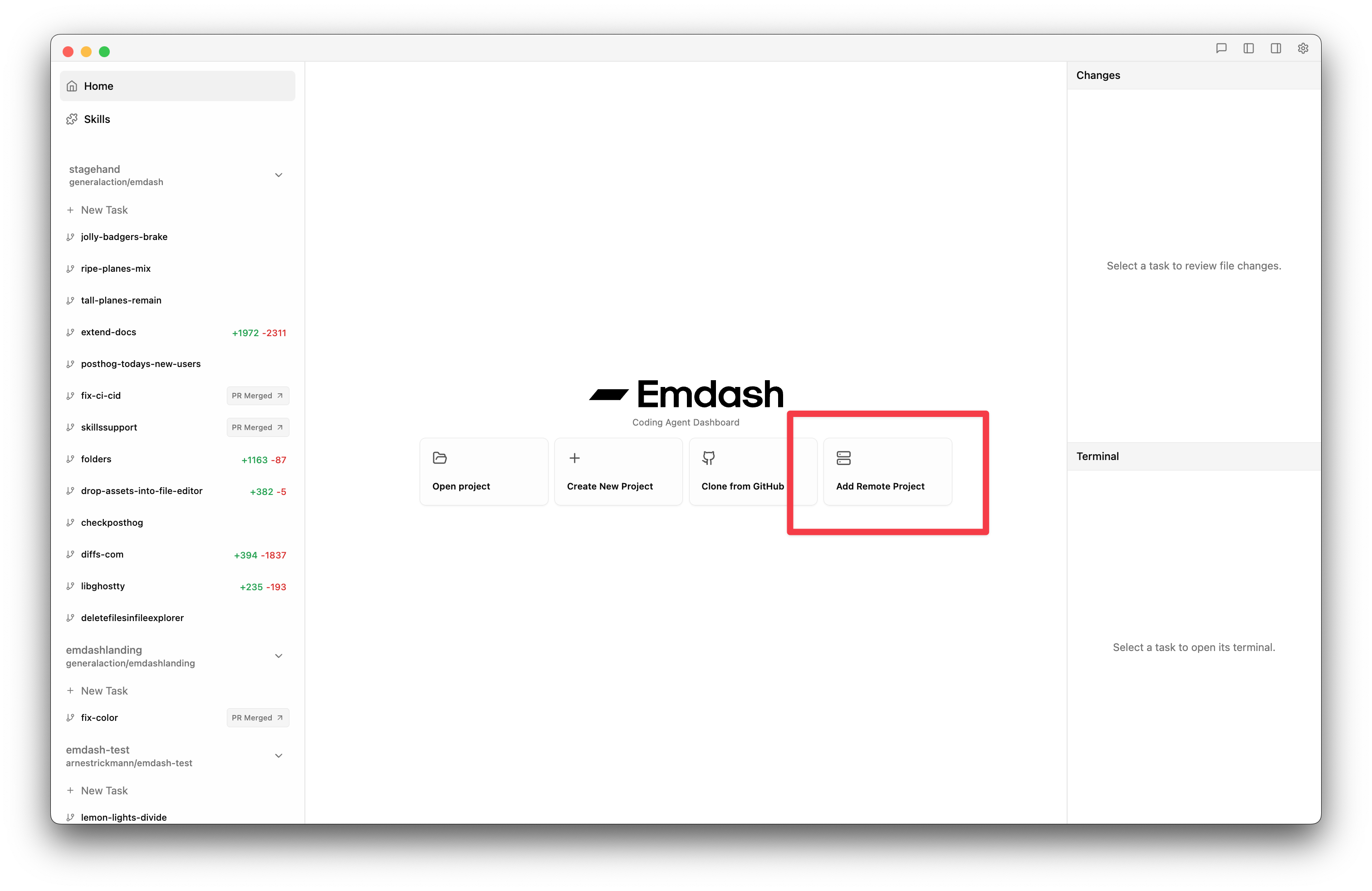
Adding a Remote Project
- On the home screen, click Add Remote Project
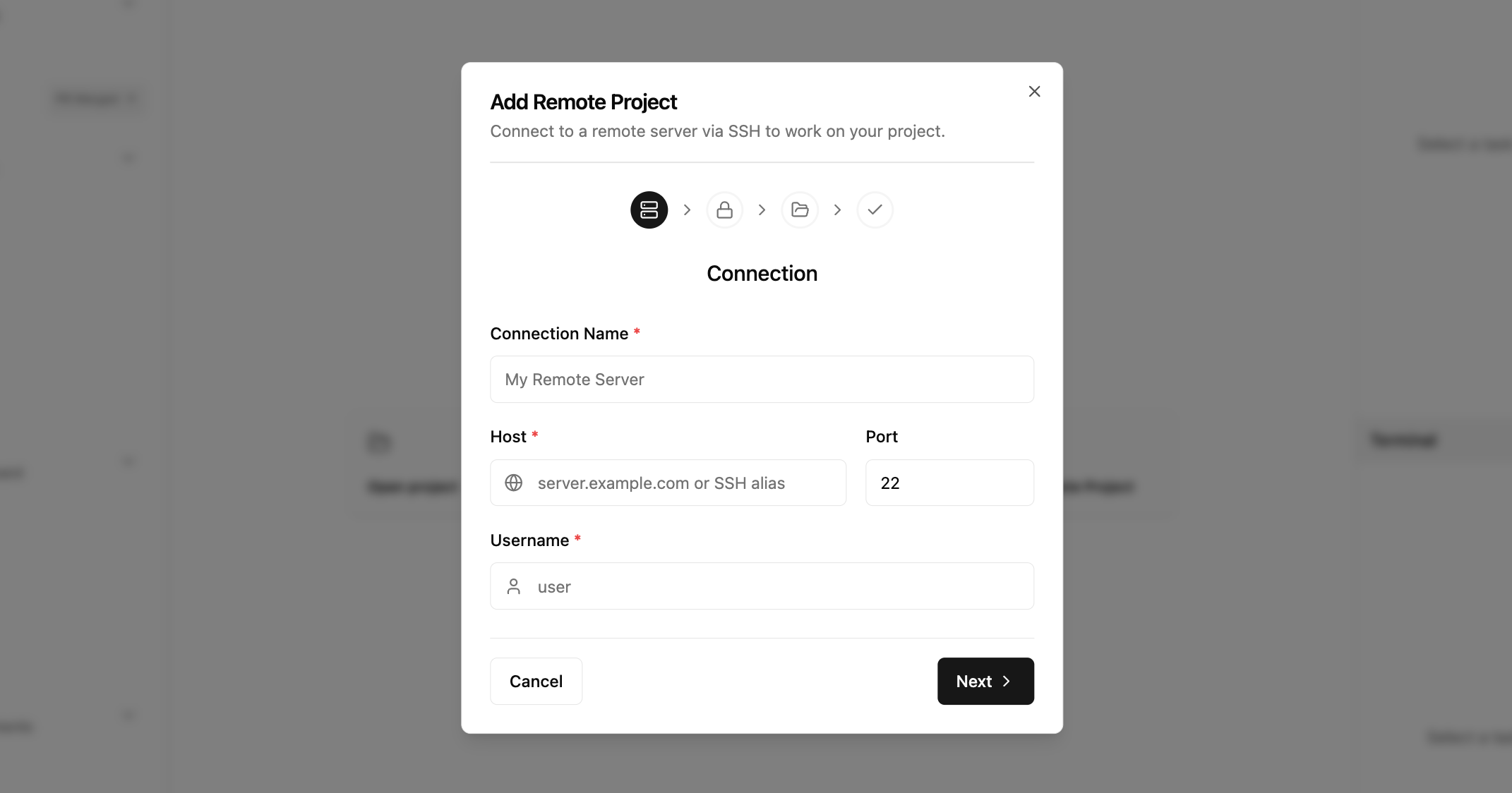
- A wizard walks you through four steps:
Step 1: Connection Details
Enter the SSH connection info:
- Name — a label for this connection (e.g., "Dev Server")
- Host — hostname or IP address
- Port — SSH port (default: 22)
- Username — your SSH user
If you have an existing ~/.ssh/config, Emdash detects it automatically. Select a host from the dropdown to pre-fill the form.
Step 2: Authentication
Choose an authentication method:
| Method | Description |
|---|---|
| SSH Agent | Uses your system SSH agent. No keys stored in Emdash. Recommended. |
| Private Key | Point to a key file (e.g., ~/.ssh/id_ed25519). Passphrase stored securely in your OS keychain. |
| Password | Direct password auth. Password stored in your OS keychain. |
Click Test Connection to verify before proceeding.
If SSH agent auth fails, Emdash suggests falling back to key-based auth and shows common key paths.
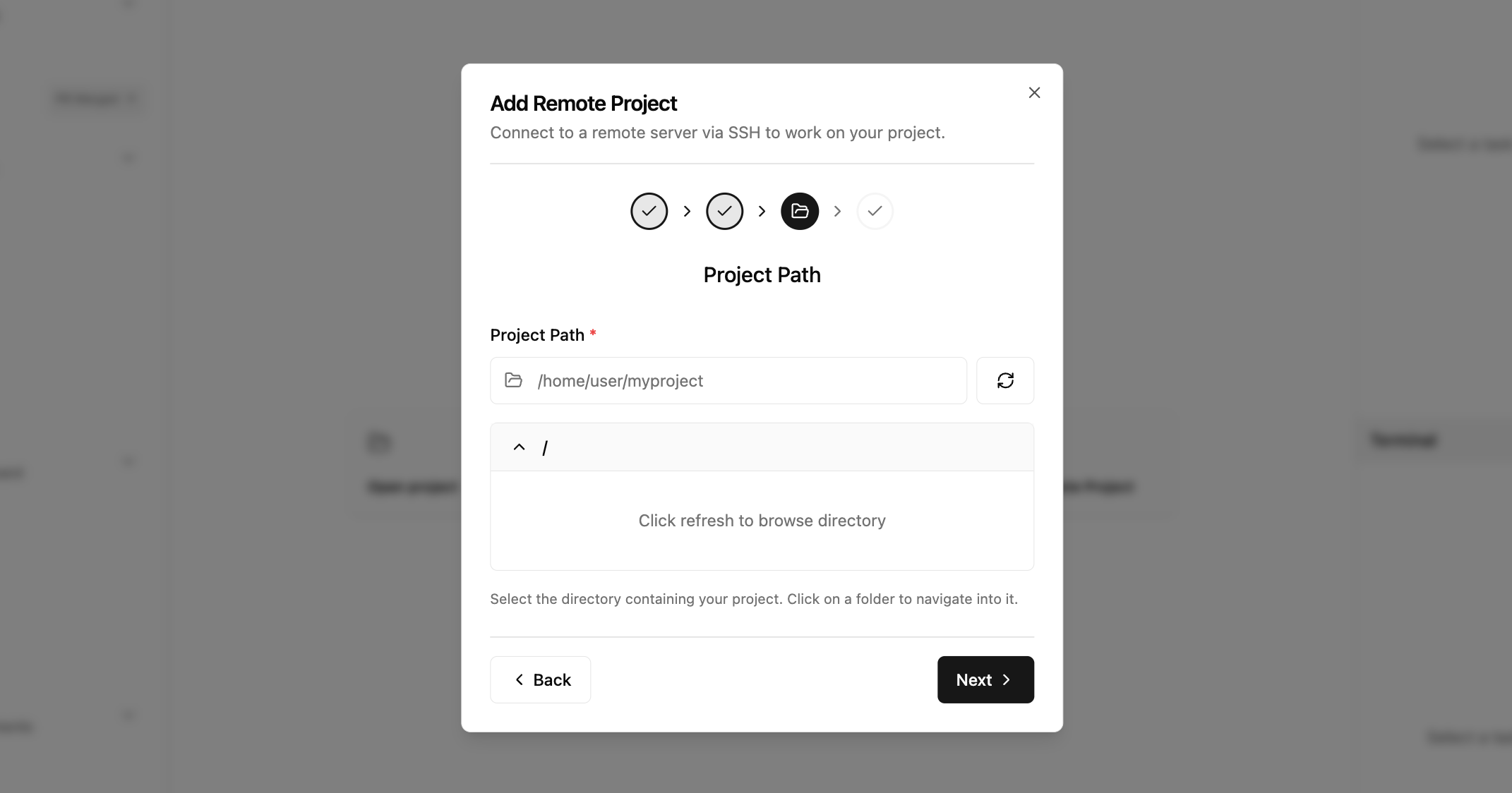
Step 3: Path Selection
Browse the remote filesystem via SFTP and select your project directory. The browser starts at your home directory.
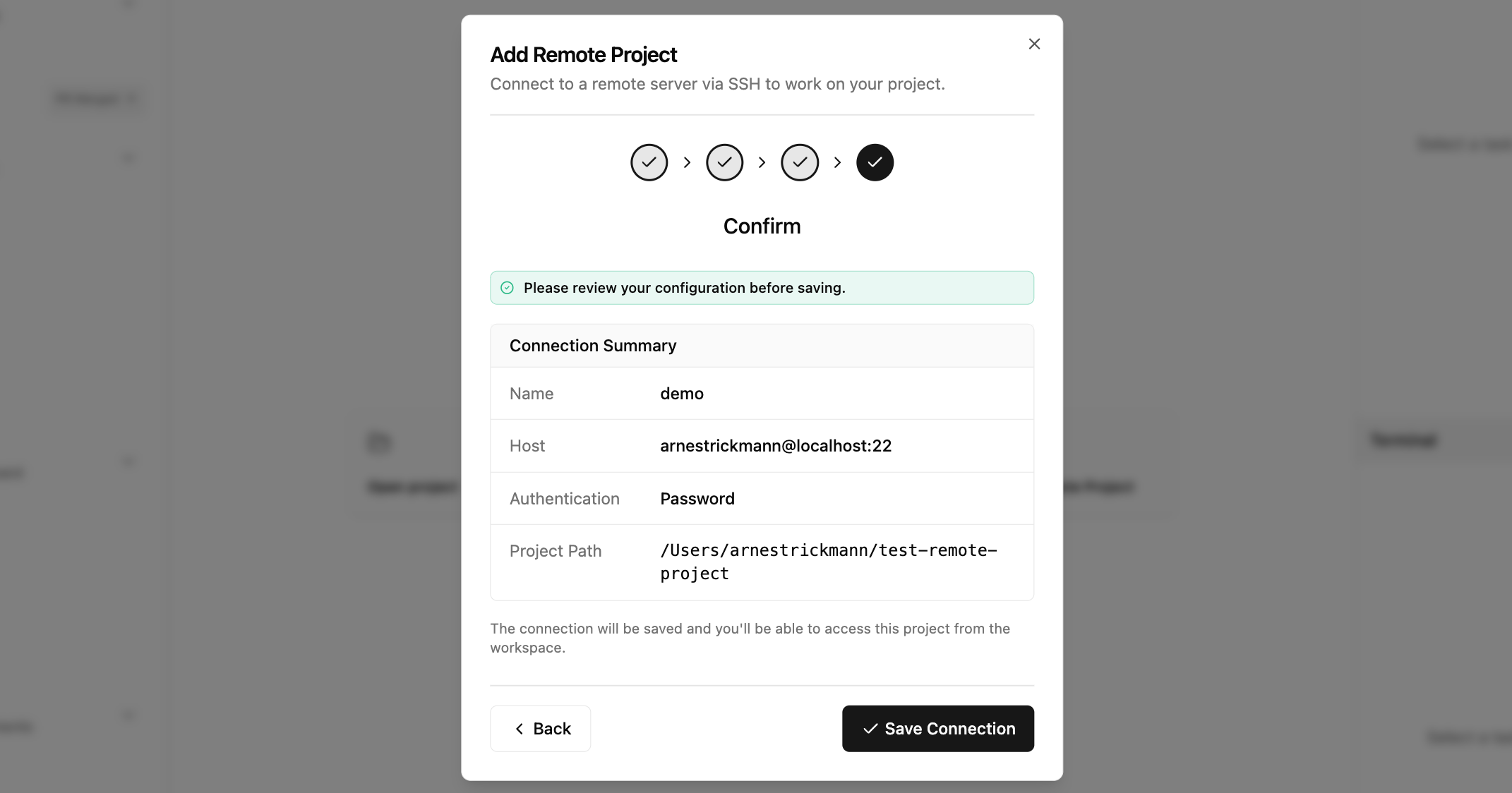
Step 4: Confirmation
Review the connection summary and click Save. The project appears in your sidebar.
Connection Status
Remote projects show a connection indicator in the sidebar:
- Connected — ready to use
- Connecting — establishing SSH session
- Error — connection failed (click to retry)
- Disconnected — no active session
Emdash auto-connects when you select a remote project and monitors the connection with periodic health checks. If the connection drops, it reconnects automatically with exponential backoff (up to 3 attempts).
How It Works
When you create a task on a remote project:
- A git worktree is created on the remote machine
- The agent runs in a shell session over SSH
- File browsing and git operations happen remotely via SFTP
- Terminal output streams back to your local Emdash UI in real time
All shell commands are executed on the remote server. Your local machine only runs the Emdash interface.
Security
- Credentials are stored in your OS keychain (macOS Keychain, Linux Secret Service, Windows Credential Manager) — never in the database
- Host keys are verified against
~/.ssh/known_hoststo prevent MITM attacks - Shell commands are escaped using POSIX single-quote wrapping to prevent injection
- Path traversal is blocked — sensitive directories like
/etc,/proc,/sys, and.sshare restricted
Requirements
- SSH access to the remote machine
- Git installed on the remote server
- At least one provider CLI installed on the remote machine
Supported Git Features
Remote projects support the same git workflow as local projects:
- File status watching with automatic change detection
- File diffs with side-by-side viewer
- Stage, unstage, and revert individual files or all files
- Commit and push from the UI
- Branch status (ahead/behind counts)
- Branch listing and branch rename
- PR creation (regular and draft), merge, and status checks
- PR comments and CI check runs
Remote Server Prerequisites
Your remote server needs the following for full functionality:
- Git installed and configured with
user.nameanduser.email - GitHub CLI (
gh) installed and authenticated (required for PR features) - SSH key for GitHub configured on the server (required for push/pull)
See the SSH Setup Guide for detailed server preparation steps.
Current Limitations
Some features are not yet available for remote projects:
- Worktree pooling (instant task start)
- Worktree merge via UI
- Session isolation for multi-chat (--session-id)
- Plan lock/unlock
- Remote lifecycle scripts
Emdash Cloud for Teams
For business and team setups — including managed remote environments, centralized configuration, and admin controls — visit emdash.sh/cloud to learn more.