

Best of N
Run multiple agents in parallel and pick the best result
Run multiple agents on the same task, let them work in parallel, then pick the best output. Each agent gets its own worktree so they don't interfere with each other.
Why Use It
Different agents have different strengths. Running them in parallel lets you:
- Compare solutions from different providers (Claude vs Codex vs Gemini)
- Get multiple attempts at a tricky problem
- Race agents to see which finishes first
How to Start
When creating a task:
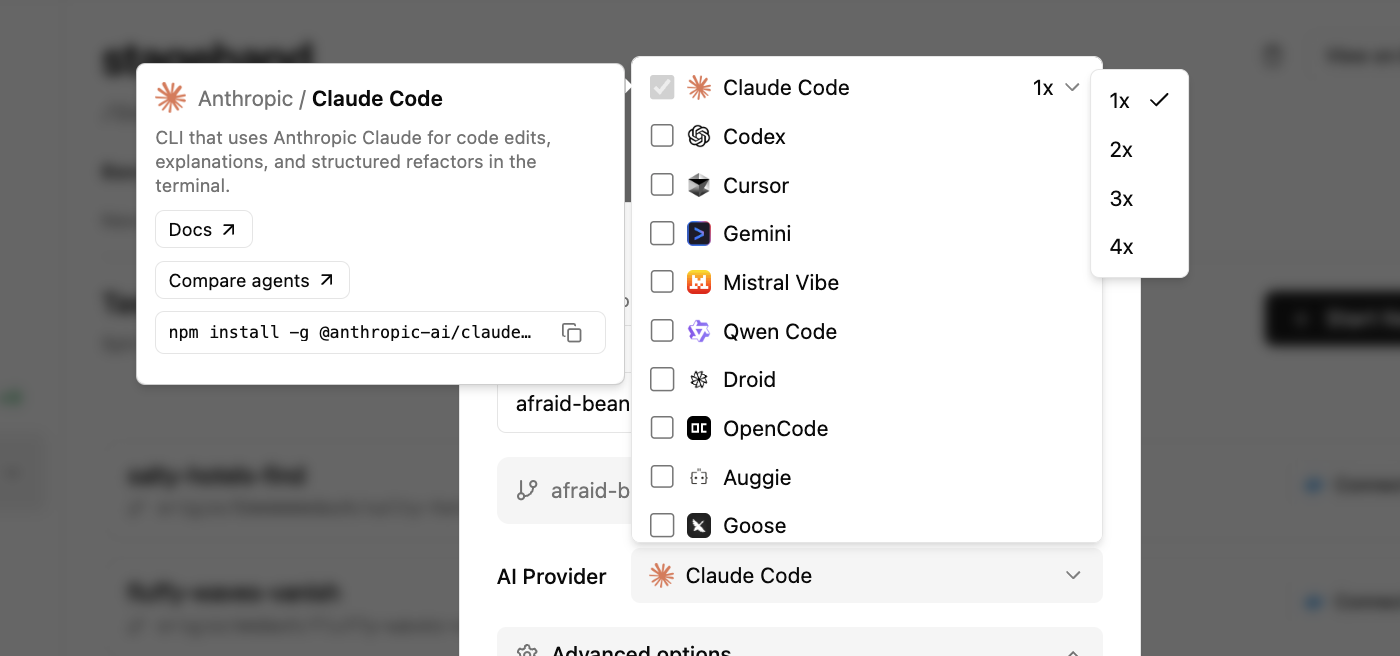
- Click the provider dropdown
- Select multiple providers, or increase the count for a single provider (e.g., 3× Claude Code)
- Click Create
Emdash creates a separate git branch and worktree for each agent. They all start from the same base commit but work independently.
Working with Multiple Agents
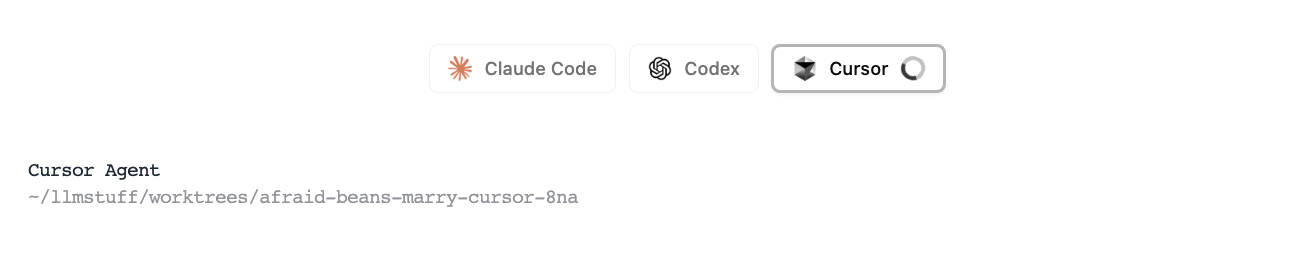
Each agent spawns in its own terminal tab. Switch between tabs to watch them work, or use the shared input bar to send the same message to all of them.
Comparing Results
After agents finish, review their changes in the diff view. Each agent's worktree has its own set of changes. Check the diff stats (files changed, lines added/removed) for a quick sense of each approach.
Pick the best solution and merge that branch. Discard the rest.
Tips
- Start with 2-3 agents. More than that gets hard to compare.
- Use the same initial prompt for fair comparison.
- Complex tasks benefit most from multiple perspectives.